You don’t need a new screen to make a home for your weather station. These owners are using myWeatherDesk on laptops, phones, tablets, and desktop monitors. Here’s what their setups look like.
Photos shared by myWeatherDesk users show the app as it appeared when captured. Labels and features have since evolved. Outdoor photos show each owner’s installation, not a station-siting recommendation.
01 / At the desk
A station outside. A screen at the desk.
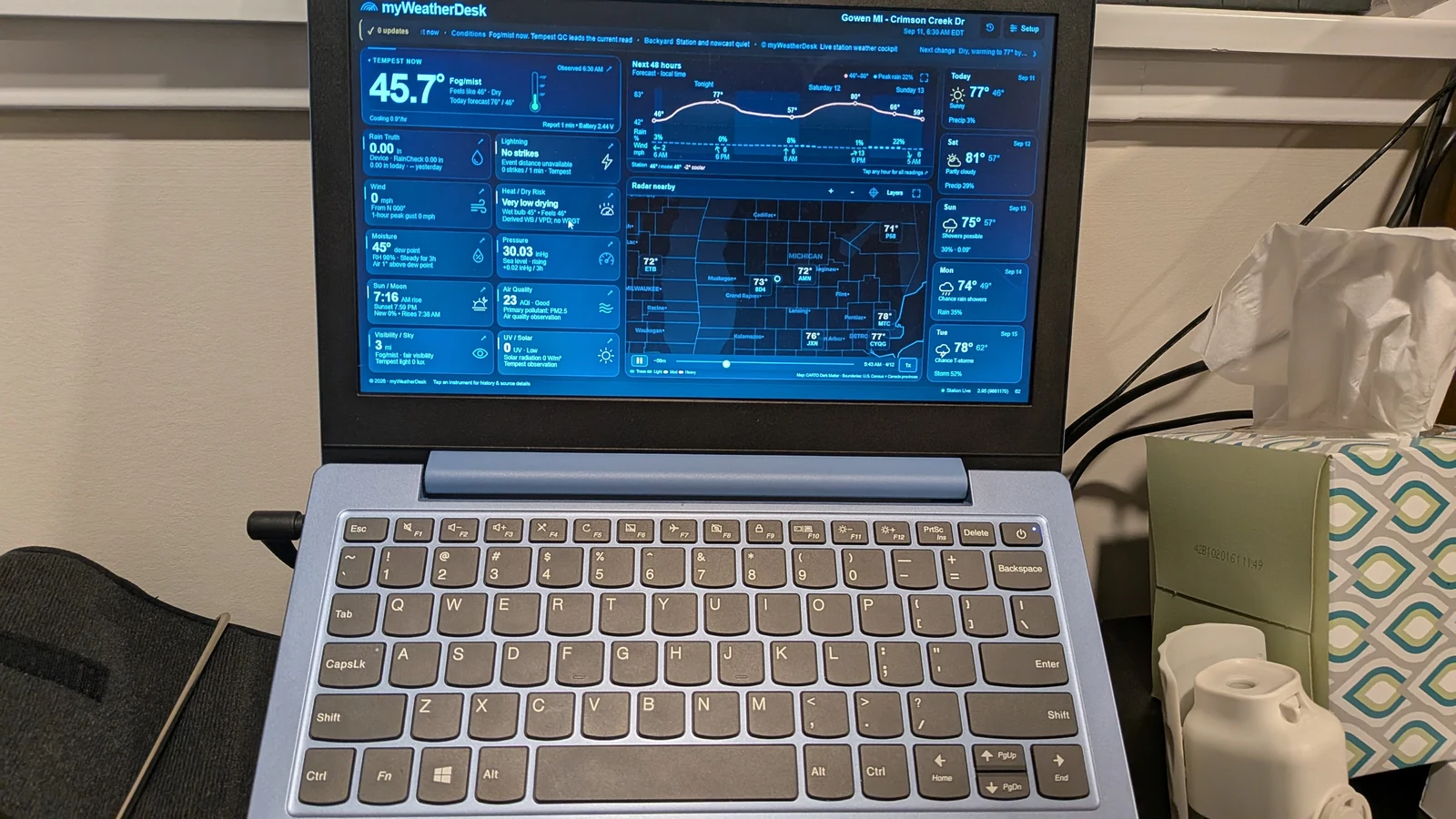
A laptop keeps current conditions, the forecast, and radar together while you’re at your desk. This owner paired a landscape display with a Tempest installed outdoors.
The full dashboard on a landscape laptop screen.The outdoor station paired with this display.
Try it on your desk.
Open the dashboard in your usual browser and connect your station through Setup. Keep the window wide for an overview, then open a card when you want its readings and history in more detail.
02 / On the phone
One station. A phone-sized view.
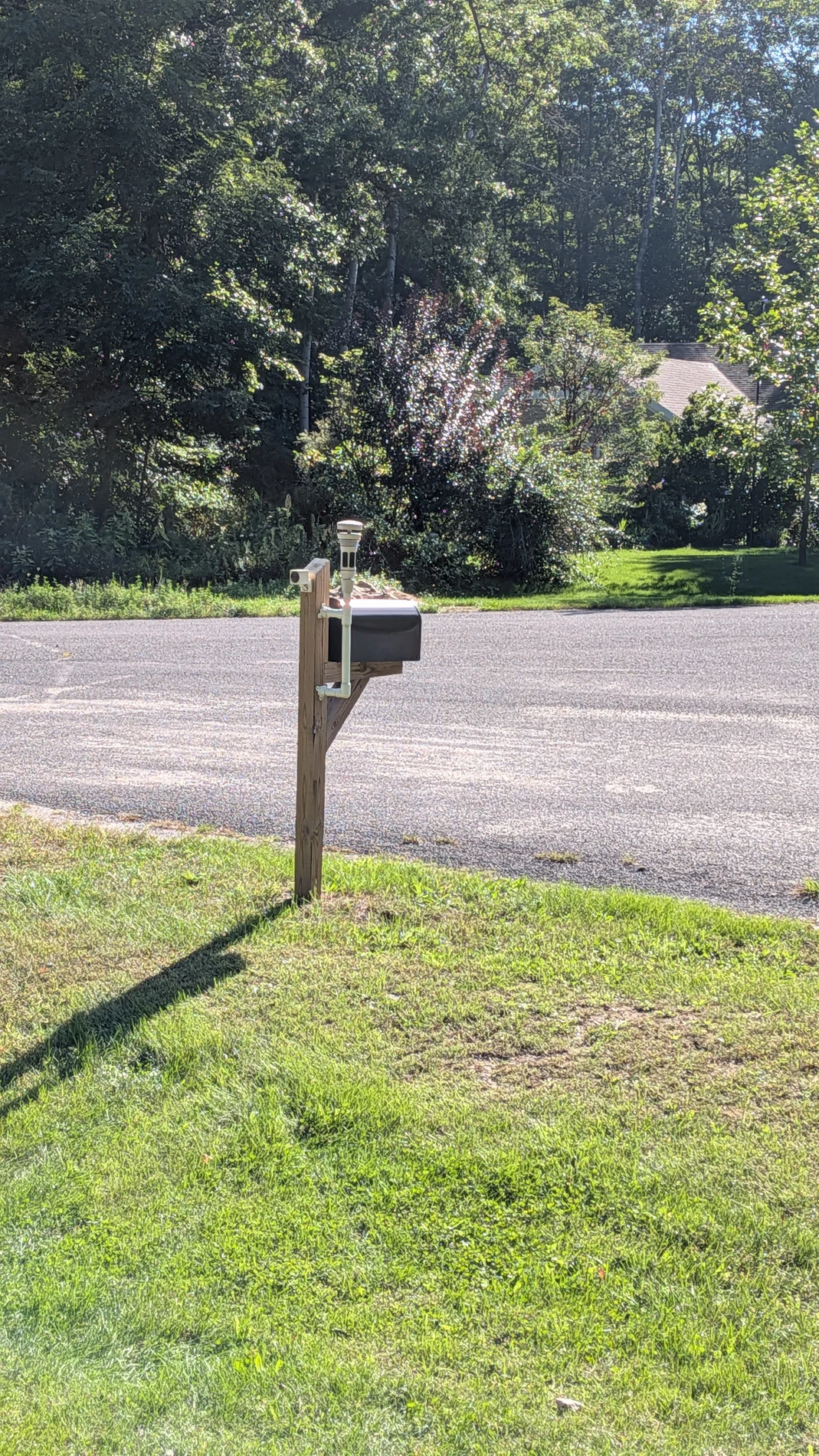
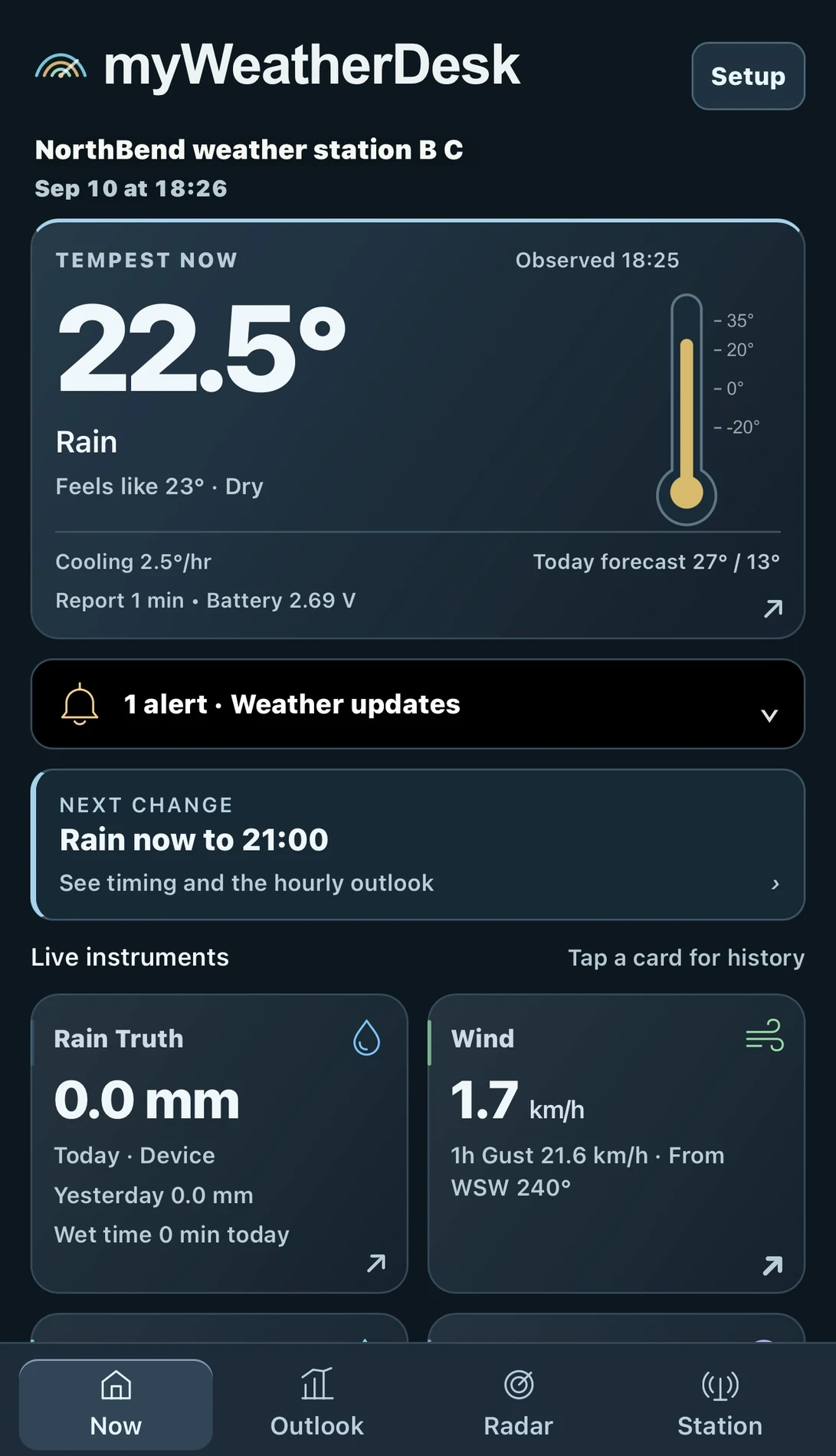
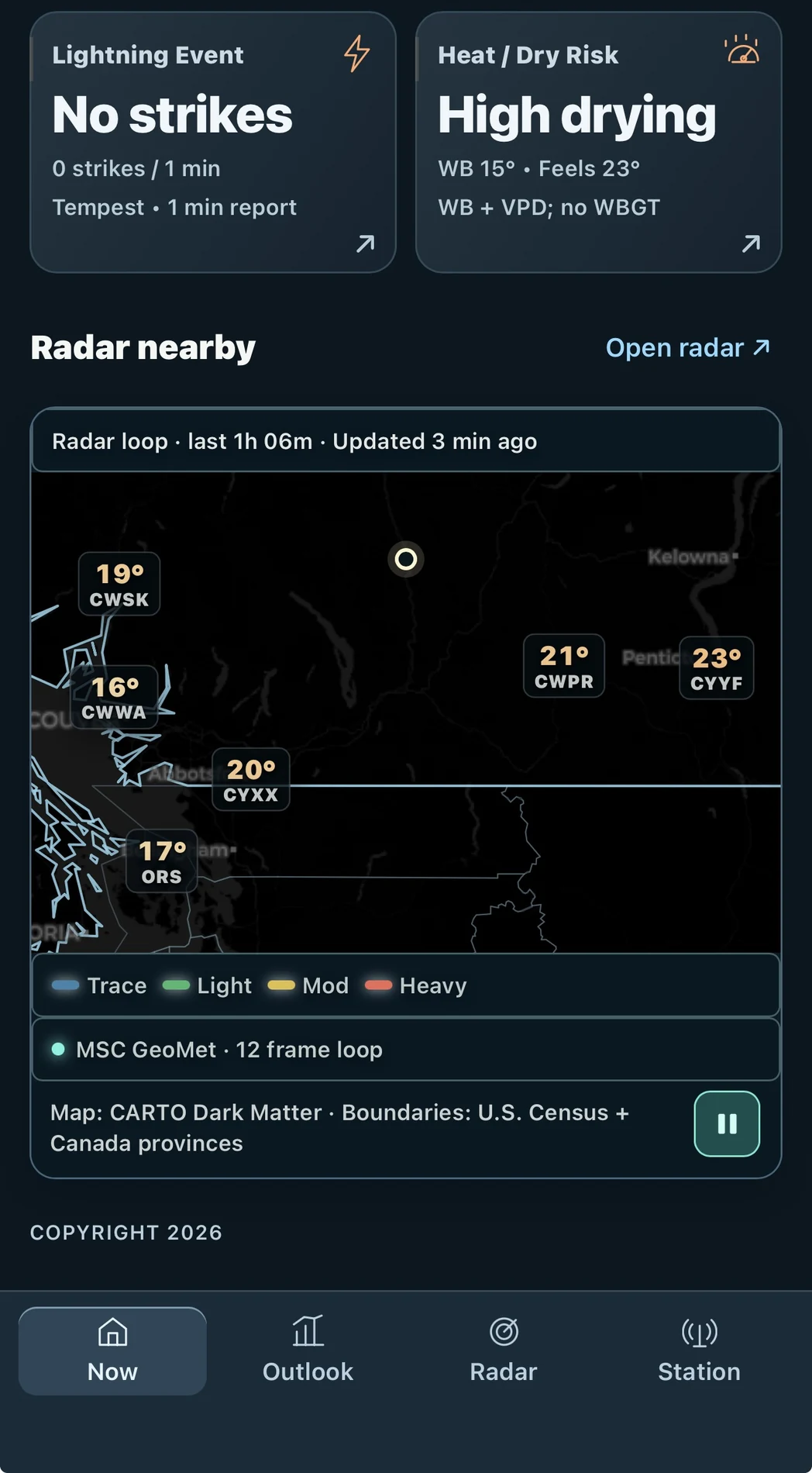
This owner shared their outdoor station and two views from their phone. The smaller layout brings readings into cards you can scroll through, with radar close at hand.
The station behind these phone views.Current conditions and instruments in the mobile layout.A scroll down to the radar view.
Keep it one tap away.
Open the dashboard on your phone and connect your station. Use your browser’s Add to Home Screen option where supported. Tap the cards to explore their history, and use the mobile navigation to move between views.
03 / Around the house
A tablet in the room you use.
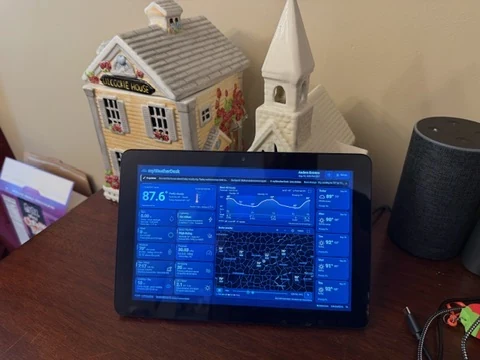
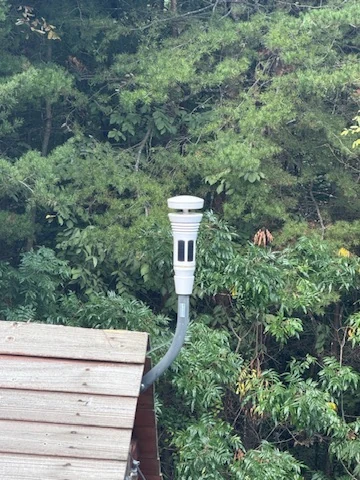
A tablet on a table puts the weather where you can glance at it during the day. This owner shared both their home display and the Tempest outside.
A landscape dashboard with a place of its own.The Tempest paired with this home display.
Start with the tablet you have.
Try the dashboard on your device before choosing a permanent spot. Check that you can read it comfortably from where you’ll use it. For a dedicated display, the user guide covers home-screen and kiosk options; screen sleep settings depend on your device.
04 / Owner displays
A desk built around the weather.
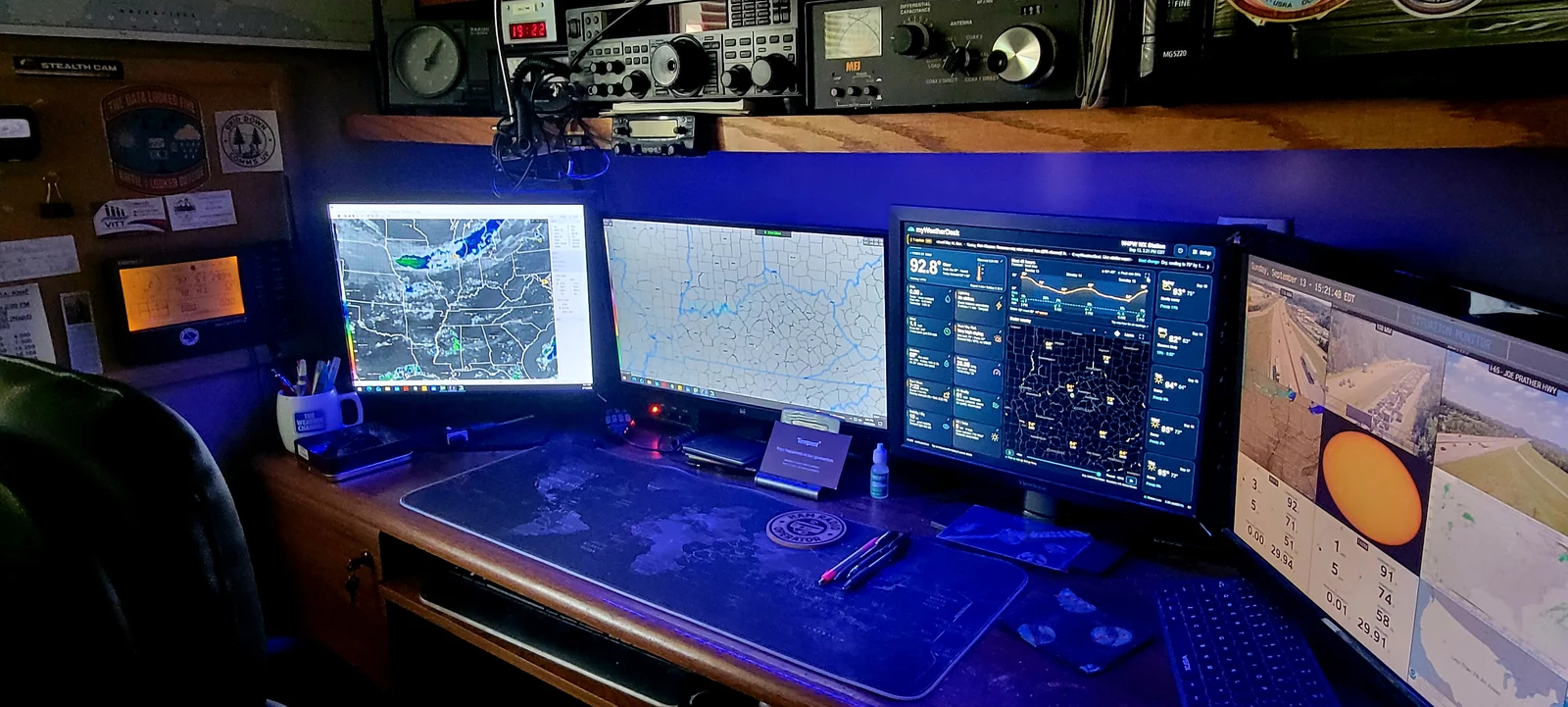
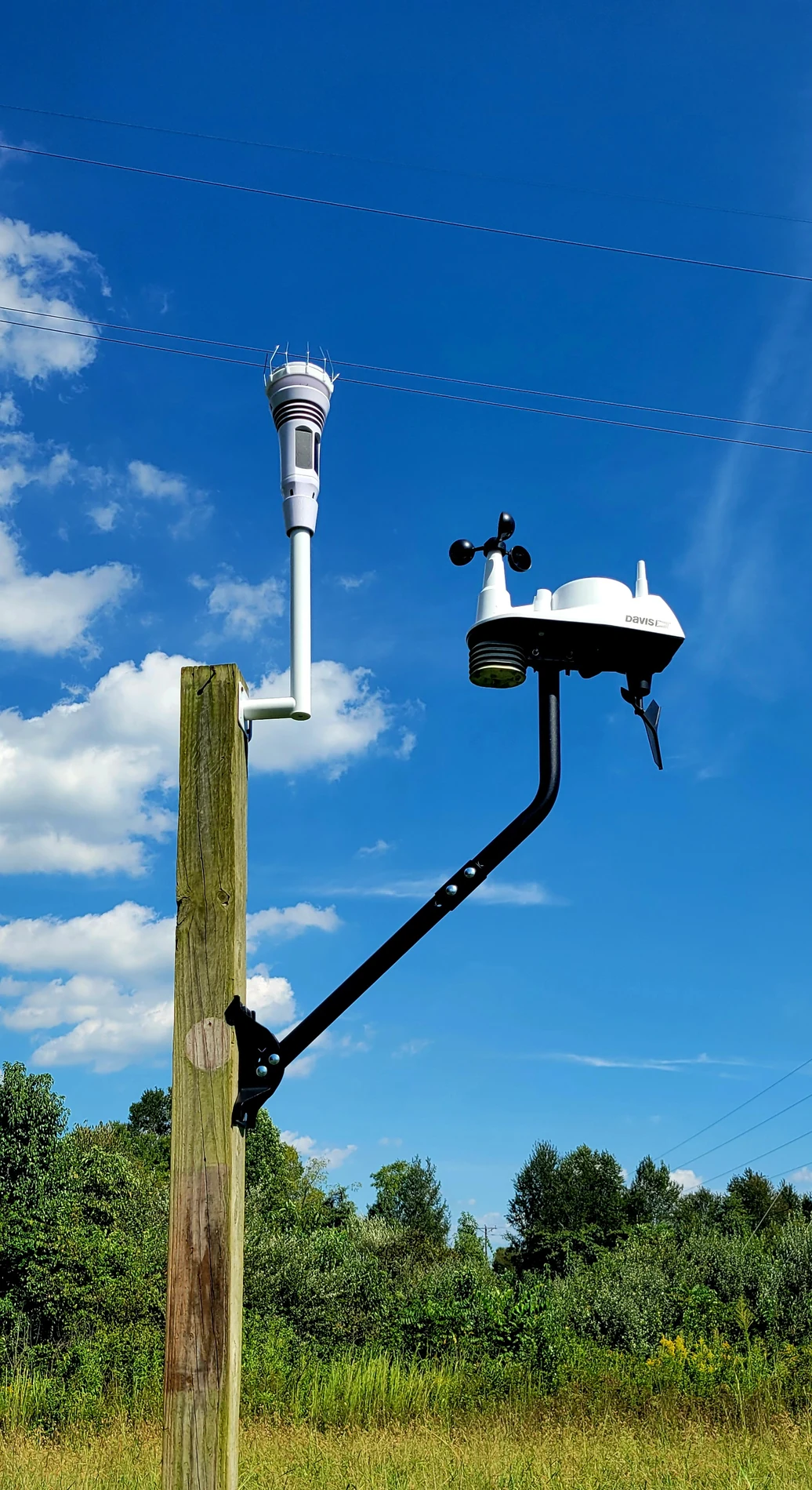
This owner brings myWeatherDesk into a multi-monitor weather and radio desk.
A multi-monitor weather and radio desk with myWeatherDesk on one screen.The owner’s Tempest outdoors beside a separate Davis station.
“I can't tell you how much I do enjoy the "myWeatherDesk" display. I just boggle at all it can do and am excited to see what more you do with this program.”
A myWeatherDesk user, pictured above
05 / Owner displays
Room for the whole picture.
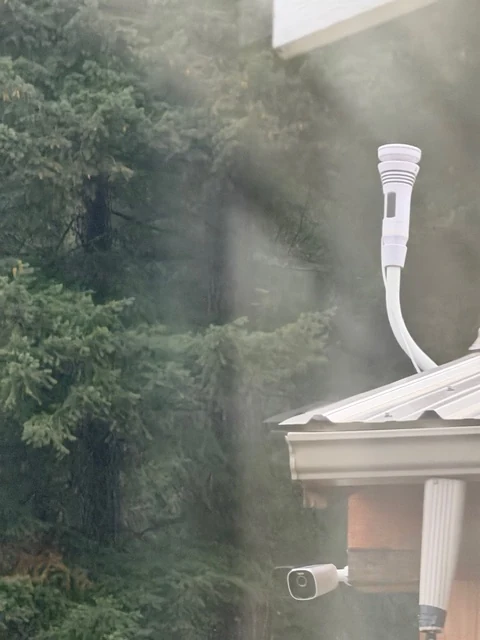
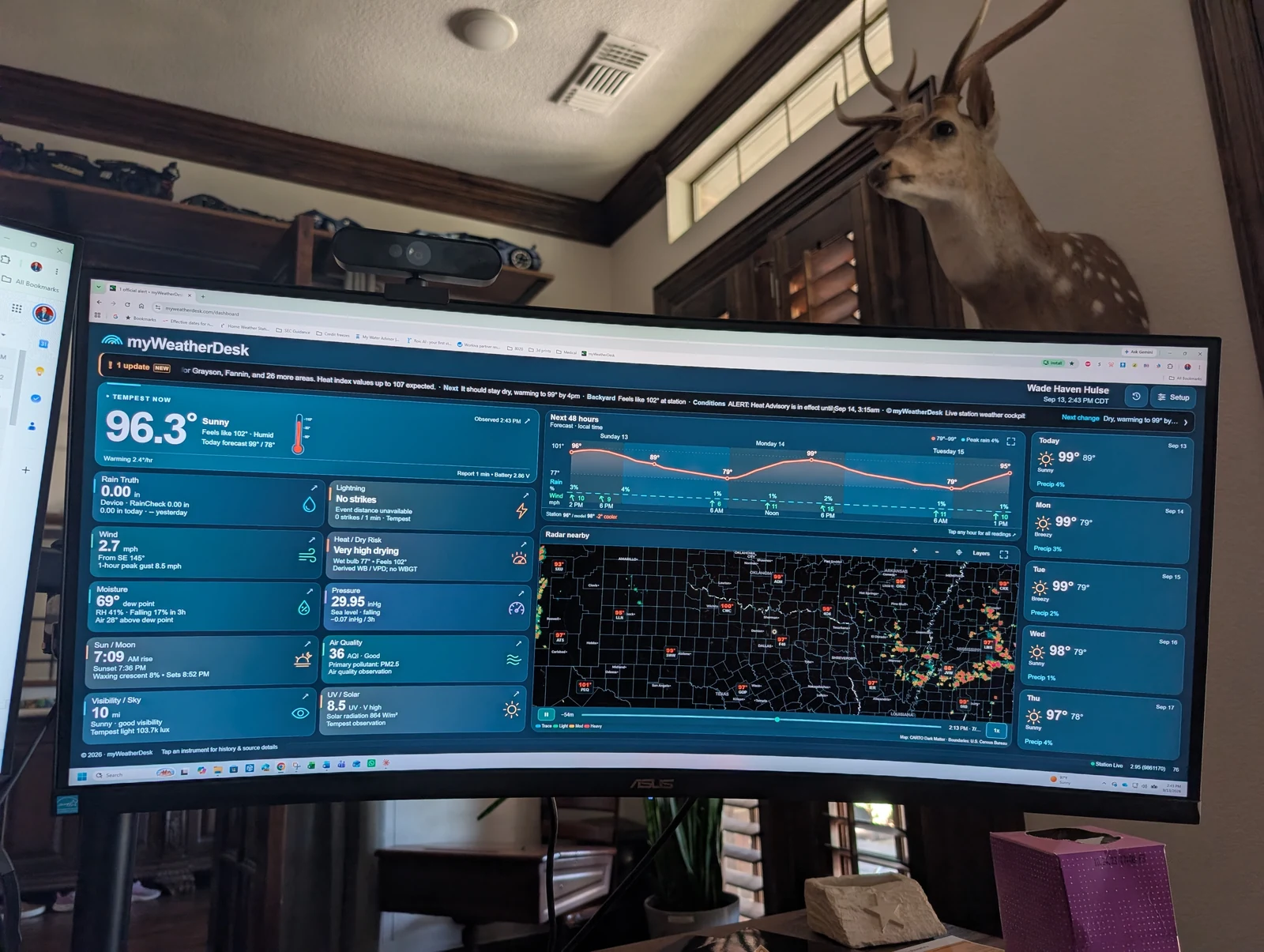
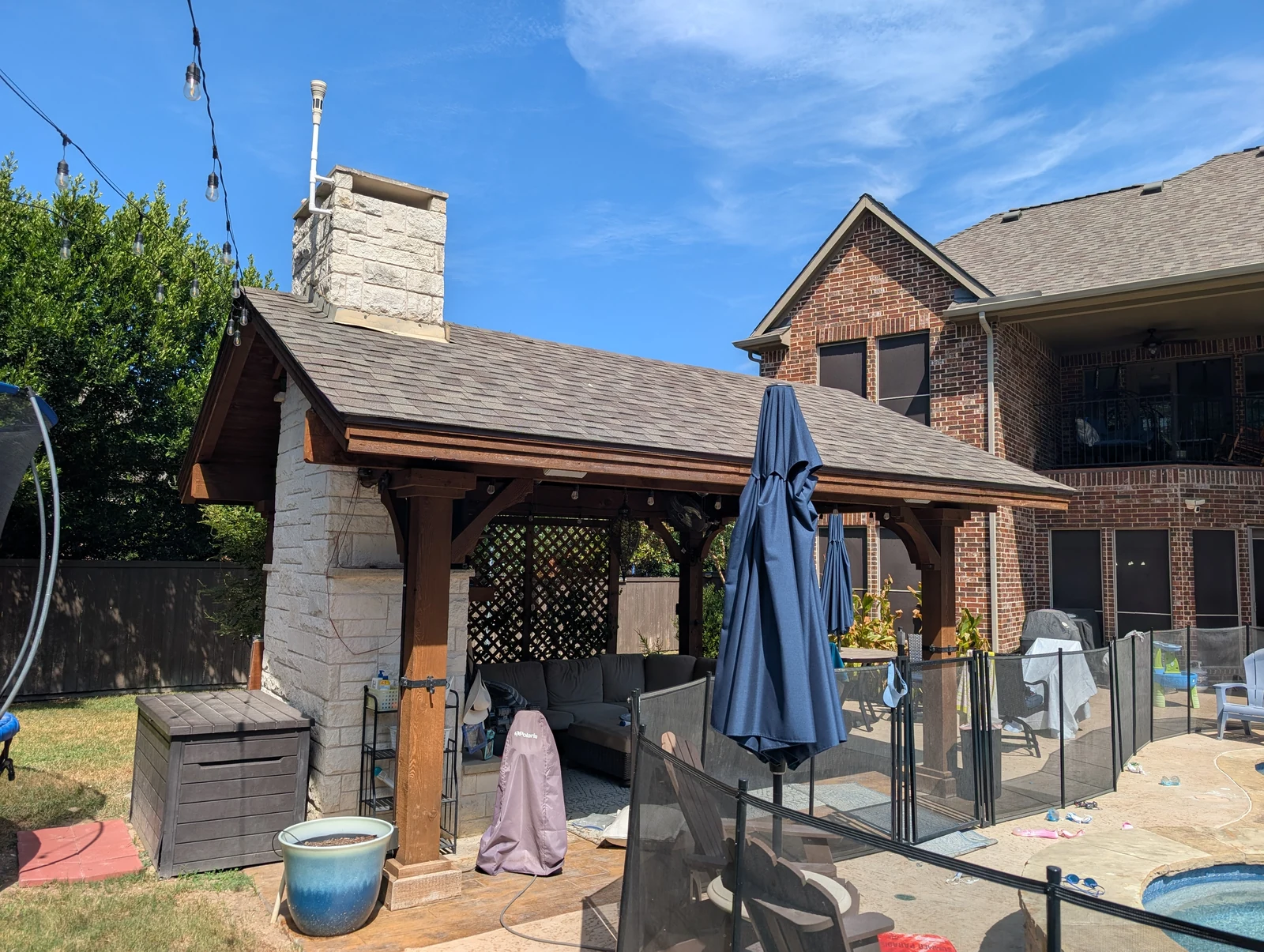
A wide monitor gives this owner a view of the instruments, forecast, and radar together. The second photo shows their outdoor station.
A curved desktop monitor displaying myWeatherDesk.The same owner’s Tempest above a patio roof.
06 / Owner displays
One station. Several places to look.
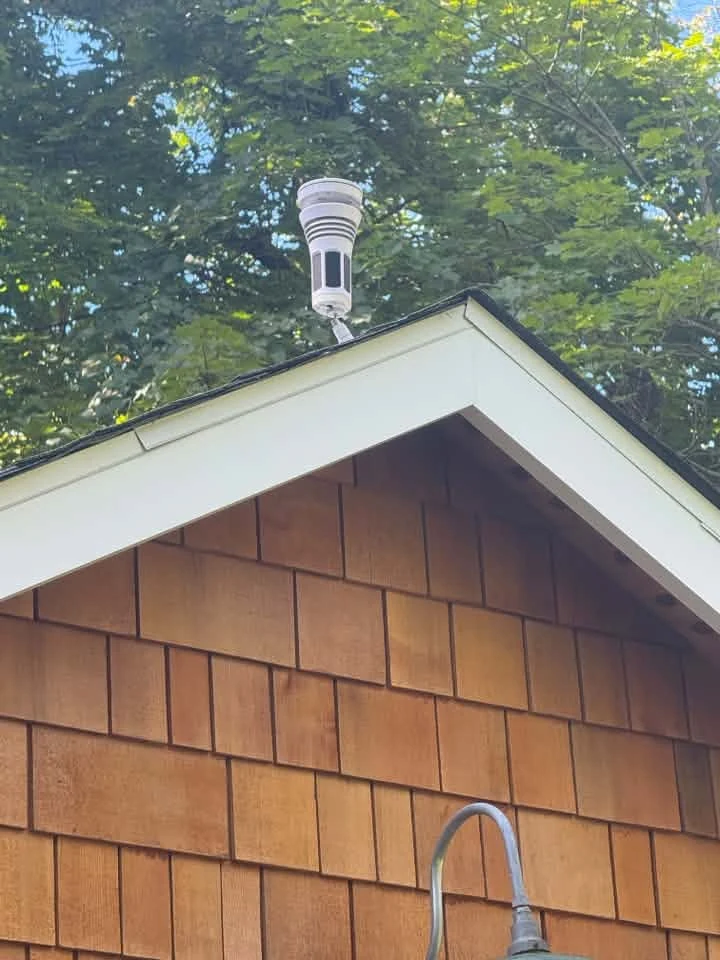
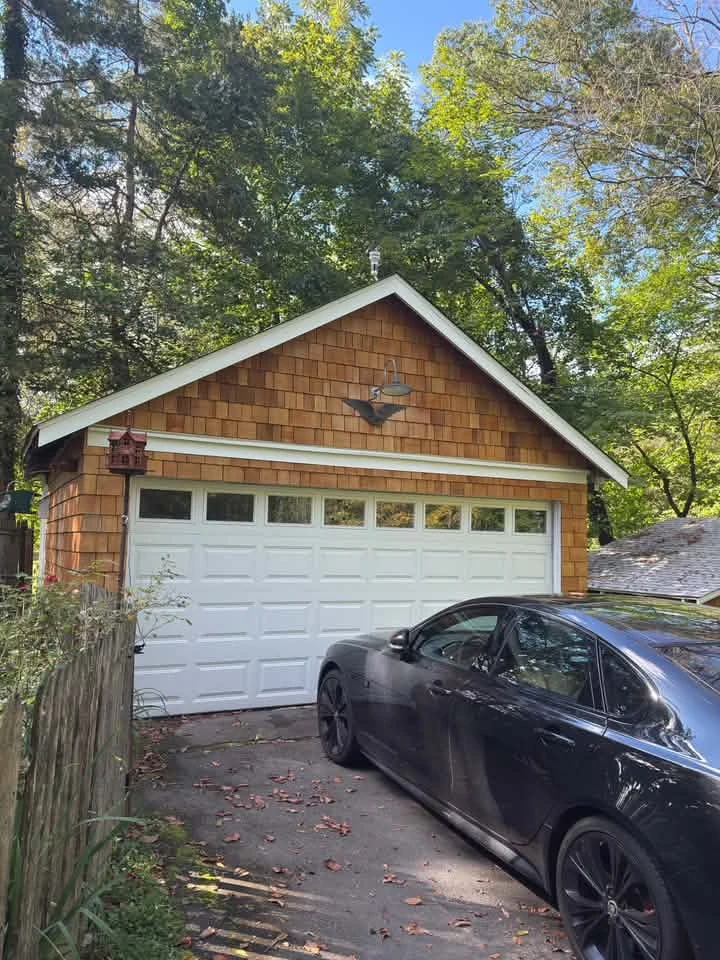
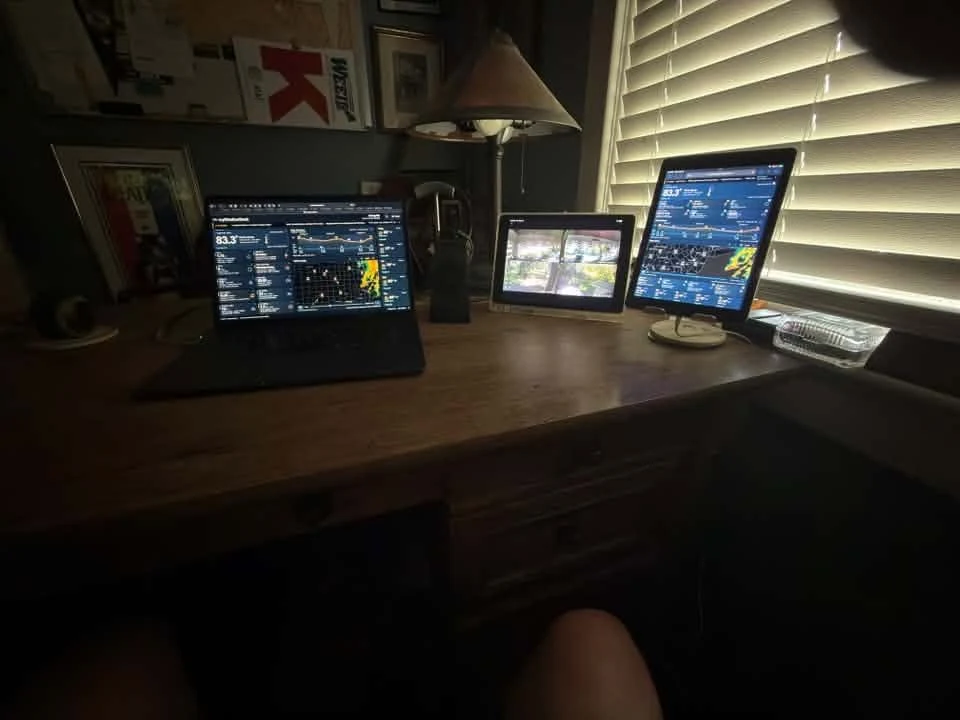
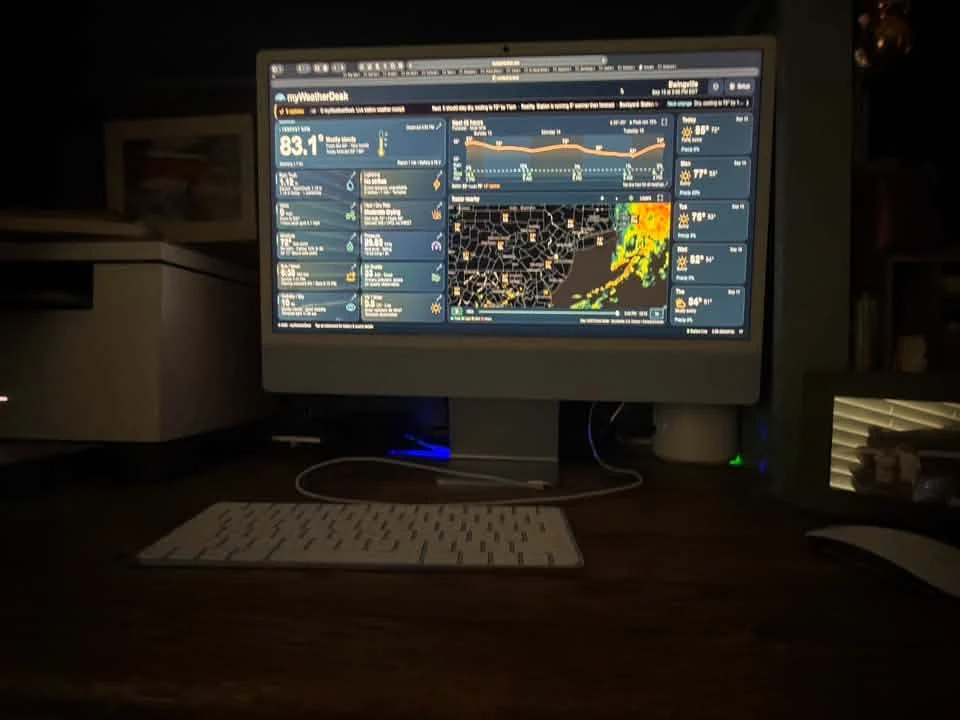
This owner shared a garage-roof station and displays in both portrait and landscape, plus a desktop screen.
Close view of a Tempest mounted above a garage roof.Wider view of the same garage and weather station.Landscape and portrait myWeatherDesk displays on a desk.The same owner’s desktop monitor showing myWeatherDesk.
From our public Facebook group
Built with owner feedback.
Owners share what works and what they’d like us to improve. These are excerpts from those conversations, separate from the photo stories above.
“Loving the display and your willingness to consider our suggestions!”